You may see association badges on certain members' posts. If you belong to an association, you can get your badge too! The following example is from one of our communities; it shows the AMA badge adjacent to the member's name!
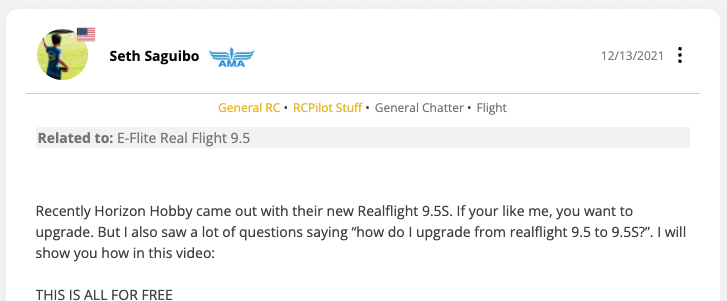
If your community supports association badges, you can add yours.
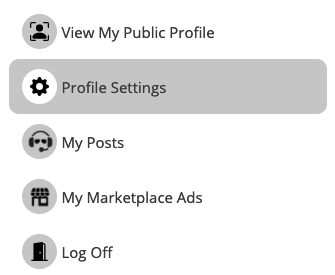
Access your profile settings by clicking your avatar in the upper right of any screen. Choose "Profile Settings". Once inside your profile, you will be able to select your preferred association. When you do, the badge for that association will appear alongside your rank when you post! If you do not see your association, please send an email to "support@ownthecrowd.com" and provide the URL to your association's website. We will add them to the list as soon as possible.