Creating a Ticket
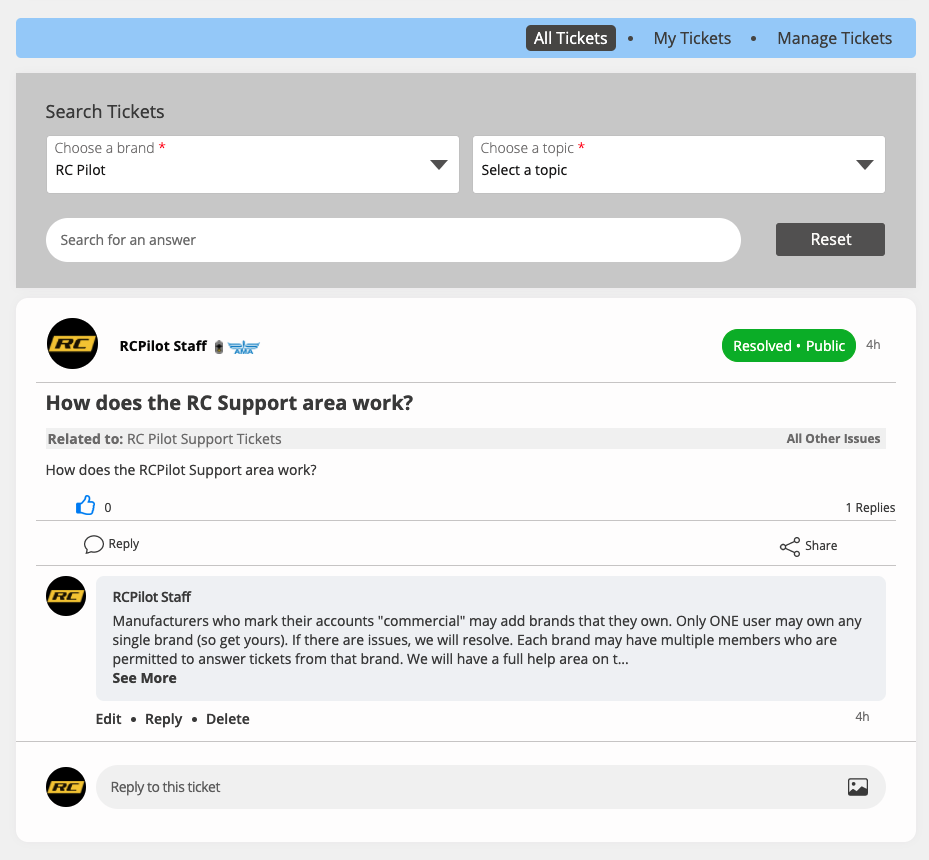
Within the main discussion area, click RC Support in the sub-menu atop the page. If you are a brand support admin, you will see "Manage Tickets" in the blue ticket menu atop the page. All users will be able to toggle between "All Tickets" and "My Tickets."
Before a user may create a ticket, they must select a brand. Optionally, they can filter by choosing a topic or adding a set of search terms. If the site has a previous ticket that addresses a similar issue, the user will see the resolved tickets that relate to the issue in case it answers their question without the need to submit a new ticket.
If the user does not see a similar issue, they may post a ticket by clicking the large yellow button beneath the last suggested/resolved ticket.