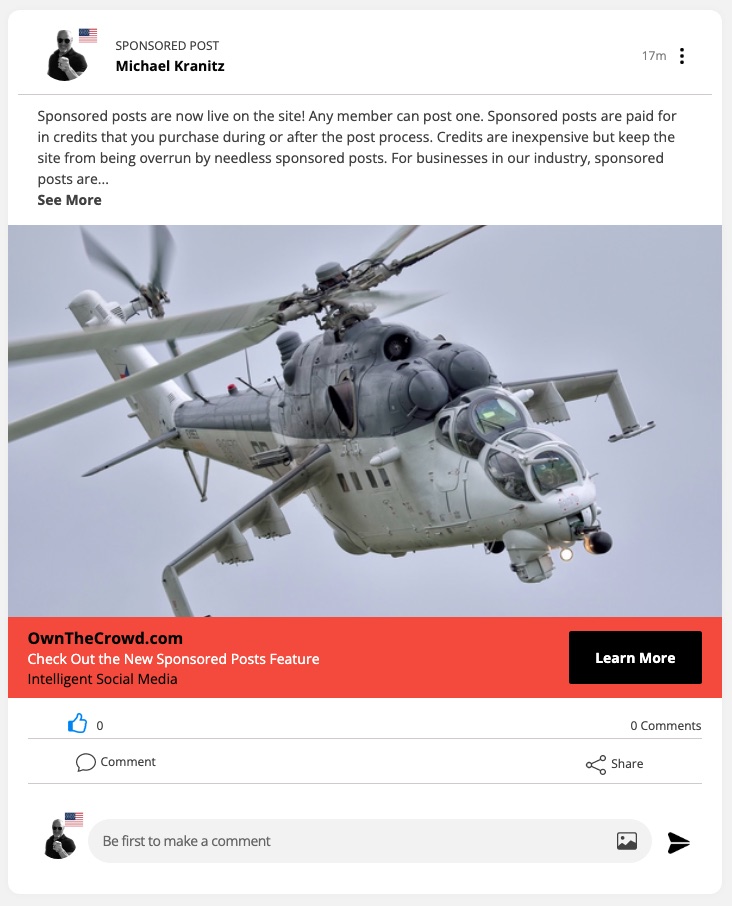
Sponsored Posts allow members to showcase a product or service with a specially formatted post. Sponsored posts may have ONE image or ONE video along with any text the user wishes to provide. The post is marked "SPONSORED POST" and it features a lower ribbon with a button that the user can set to any URL outside of the site (or within the site if desired).
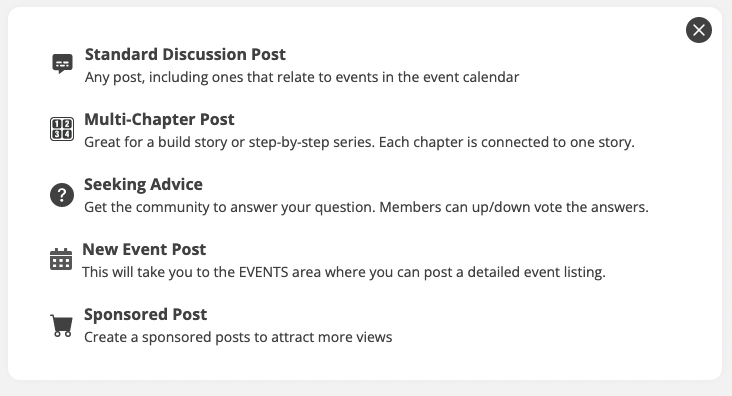
Creating a sponsored post is easy. From the normal post screen, the user selects the last item in the post type list:
The post screen is intuitive
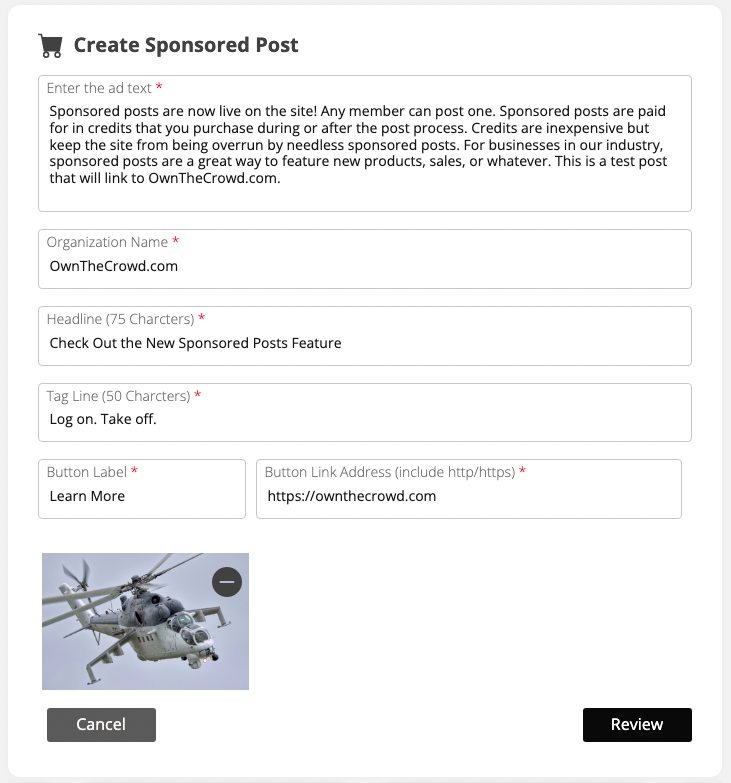
The user may have EITHER an image OR a video (but not both). Once the text and media is entered, the user can manage the colors.
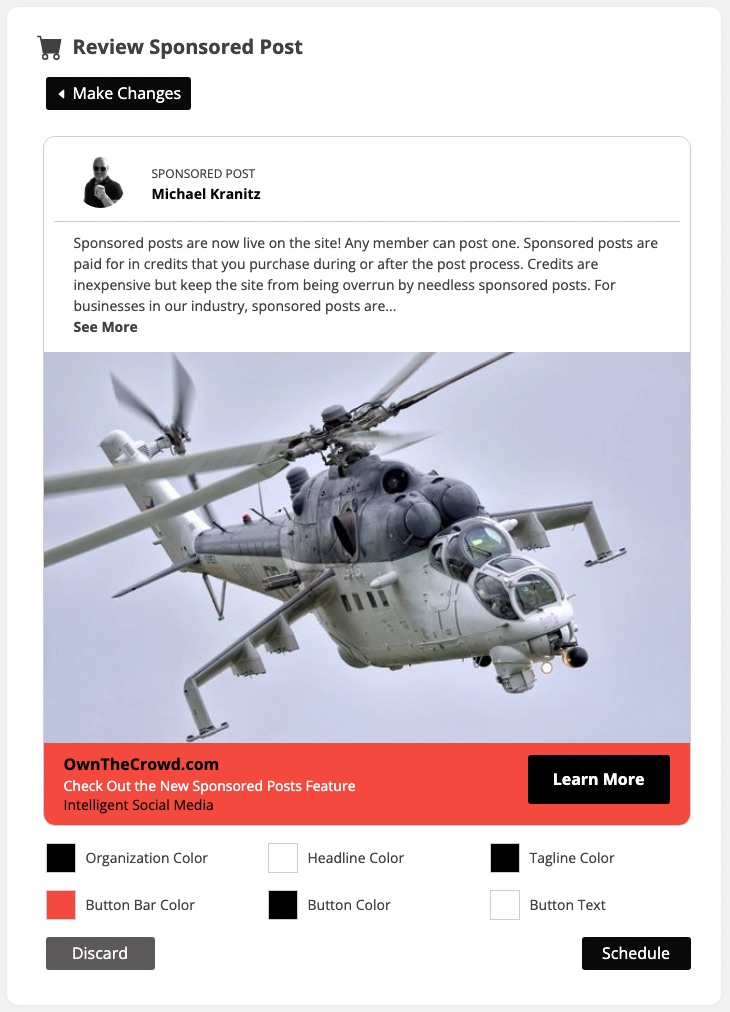
Once the ad is to the user's liking, the user can schedule the duration and start date.
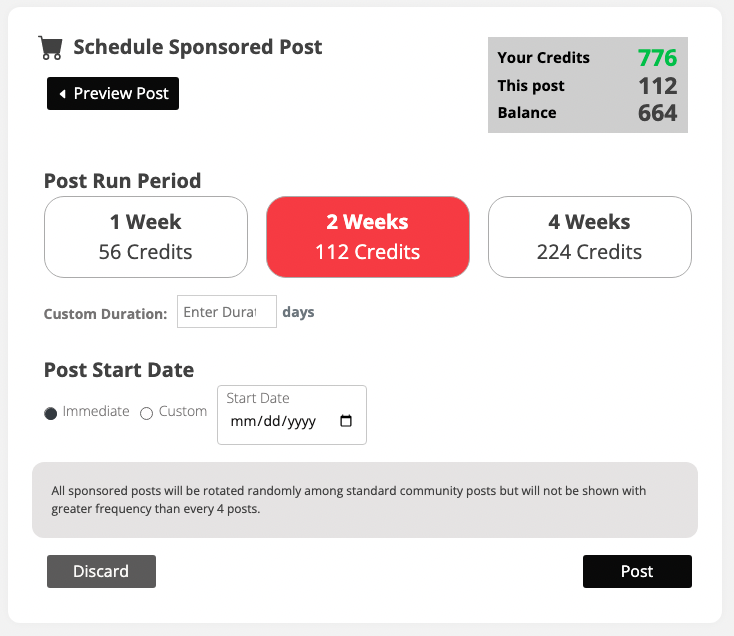
That's it. The post will rotate along with other posts. In the user's SETTINGS area, they can track impressions and clicks. They can also extend, pause or edit the listing.
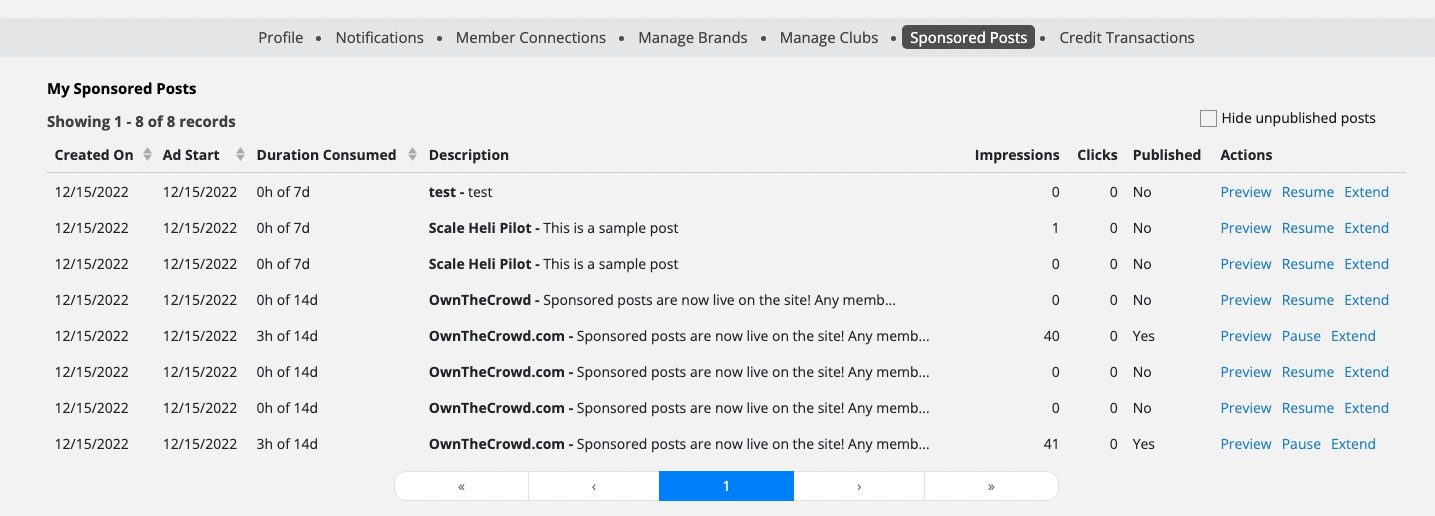
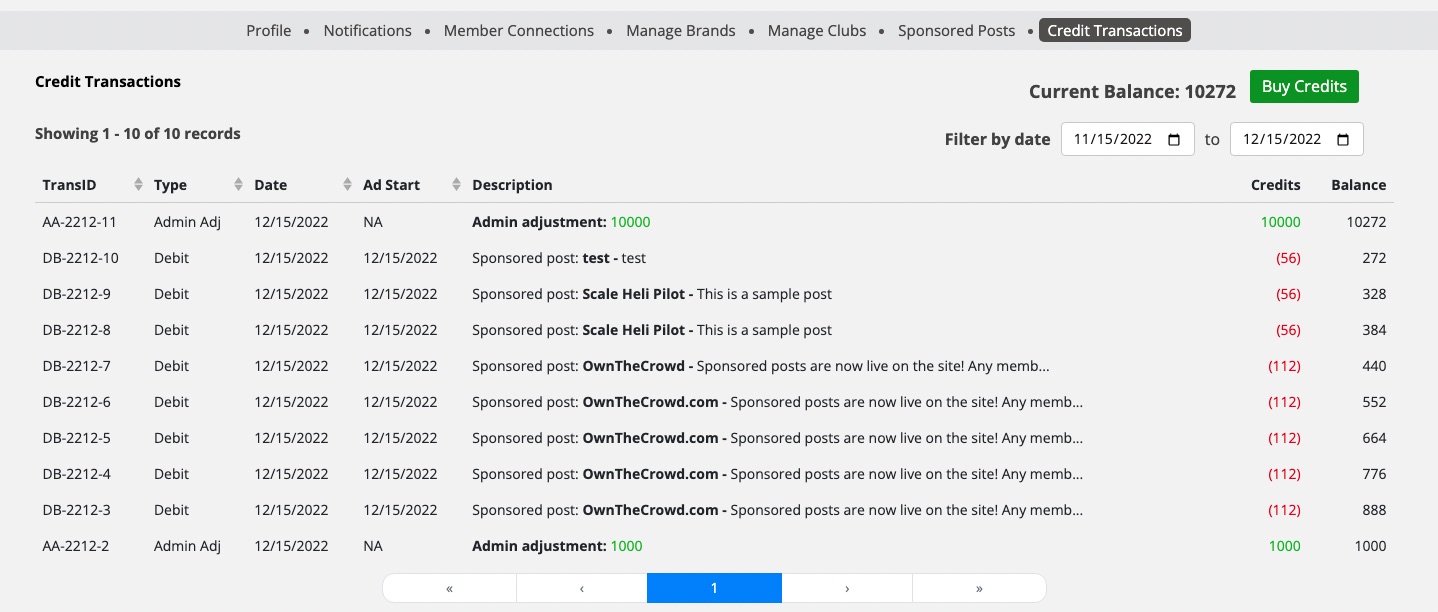
Transactions are recorded in a separate area within the user's settings.